

Best US Agencies to Rebuild Existing Mobile Apps
Six US mobile app agencies compared on takeover experience, modernization judgment, design depth, and post-launch support, plus what to ask before you hand over an existing app.
October 15, 2026
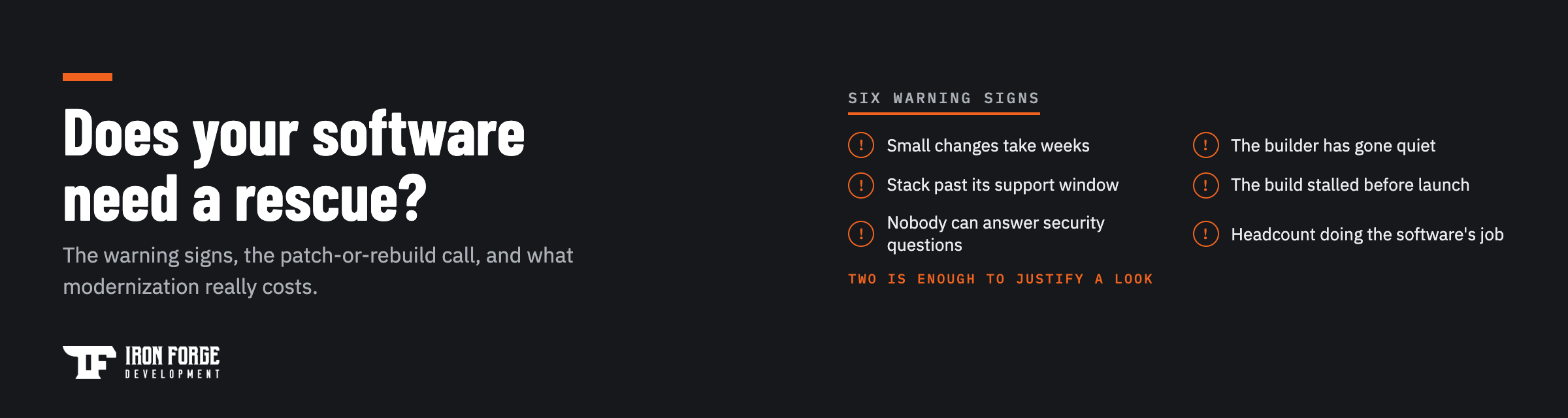
Your software needs a rescue when small changes take weeks, the person who built it has gone quiet, the stack is too old to patch safely, or the build stalled before it ever launched. Any one of those is a warning sign. Two or more mean the platform is already costing you money in workarounds, missed deals, and risk nobody has priced. The good news: a rescue rarely means throwing everything away. This guide walks through the signs one by one, shows you how to decide between patching, modernizing, and rebuilding, and puts real numbers on what each path costs.
A software rescue is taking a system you can no longer move forward and getting it back under control. Sometimes that's a stalled build a freelancer left at 80 percent. Sometimes it's a ten-year-old platform your whole operation runs on, built by a developer who retired. Sometimes it's an app that works fine today but sits on a framework that stopped receiving security patches last year.
The rescue itself follows a consistent shape: review the code, stabilize whatever is running in production, then make a deliberate call about what to keep, what to modernize, and what to rebuild. We've delivered 100+ products since 2017, and we join existing projects as often as we start new ones. The pattern that fails is skipping the review and jumping straight to a rewrite. The existing system, however messy, is the most accurate requirements document you will ever get. Throwing it away unread wastes the one asset a troubled project still has.
You don't need all six of these. In our experience two is enough to justify a proper look under the hood.
The clearest signal. You ask for a new field on a form, and the estimate comes back in weeks. Change one thing and something unrelated breaks. That's what untested, tightly tangled code feels like from the outside. The slow feature is the visible cost. The bigger one is every idea your team stopped suggesting because changes feel expensive.
The freelancer stopped answering. The agency assigned your account to someone new who's never read the code. Your one in-house developer left, and the handover was a single call. If nobody currently on your team can explain how the system works, you're one incident away from an outage with no one to call.
Frameworks, languages, and databases have end-of-life dates. Past them, security patches stop and every month adds risk. You'll often feel this first through side doors: a hosting provider forcing a migration, an integration dropping support for old API versions, cyber-insurance questionnaires you can't answer honestly.
The demo looked great eight months ago. Since then it's been "two more weeks" on repeat. Stalled builds usually aren't 80 percent done. The visible screens exist, and the hard invisible parts (error handling, data integrity, security, deployment) were never started. That last 20 percent was always most of the work.
An enterprise customer sends a security questionnaire, or a compliance requirement lands, and the honest answer to "where is customer data stored and who can access it" is a shrug. If the questions can't be answered, the deals that depend on them stall.
Someone re-keys orders between two systems. A spreadsheet reconciles what the database gets wrong. An operations hire exists mostly to work around the platform. When headcount grows to compensate for software, you're paying a subscription fee to your own technical debt.
Once the signs are confirmed, there are three honest paths forward, and the right one depends on how much of the current system deserves to survive.
Patch when the architecture is fundamentally sound and the problems are local. A specific integration keeps failing, a slow query needs an index, a handful of bugs need closing. Patching is the cheapest path and the right call more often than rebuild-happy agencies admit. It only becomes the wrong call when you're paying to patch the same areas repeatedly.
Modernize incrementally when the core works but parts of it are past their window. You replace the system piece by piece (the payment flow this quarter, the reporting module next) while the rest keeps serving users. It spreads cost over time, keeps the business running, and avoids the big-bang cutover that sinks so many rewrites. This is the default path for platforms a business actively depends on.
Rebuild when the foundation itself is the problem: no tests, a data model that fights every change, a stack so old that modernizing one module means modernizing everything it touches. A rebuild is also the moment to fix what the first version got wrong about the product, because by now you know how users actually behave. If you started on a no-code platform and hit its ceiling, that's its own decision path, and we've written a separate guide on when to move from no-code to custom software.
A useful rule of thumb: walk the system and count what you'd keep. If you'd keep most of it, patch. If you'd keep the core but replace the edges, modernize. If you're keeping the data and the lessons and little else, rebuild, and say so out loud before the budget gets set.
Real numbers depend on scope, but the shape of the spend is consistent.
Weigh all of that against the cost of doing nothing, which is the one number that never appears on an invoice: the manual hours, the stalled enterprise deals, the risk of running unpatched software in production.
Here's how we run one. First, read-only access and a code review, along with a review of expected features and functionality. We look at the architecture, the data model, test coverage, security posture, and how the thing deploys. No changes yet, just an honest map of where you stand. Second, findings and a plan: what's solid, what's fragile, what's dangerous, laid out in plain language with a phased path and line-item pricing. Third, stabilization before improvement. Anything actively bleeding (crashes, data loss, exposed credentials) gets fixed first. Then the modernization phases begin, in whatever order the review showed would pay back fastest.
Through all of it, you own the code, the repositories, and the accounts. Rescues exist because that wasn't true, or wasn't honored, the first time around. It's also fair to ask whether the team that rescues the platform should be the team that builds on it afterward. Sometimes yes, sometimes no. Our guide on choosing a software development partner covers the questions worth asking anyone you're about to trust with a fragile system, us included.
One fear worth retiring: a rescue almost never means turning the product off. The working system keeps serving users while its replacement comes up alongside, and cutover happens module by module, not in one weekend of held breath.
Wondering whether your platform needs a patch or a full rebuild? A Discovery includes a code review of what you have and ends with line-item pricing for what it takes to move forward, whoever you build with. Book a Discovery or get in touch and we'll take a look.
Written by the Jeremy - COO at Iron Forge Development, a U.S.-based software commercialization firm that has helped launch 100+ products from idea to market.
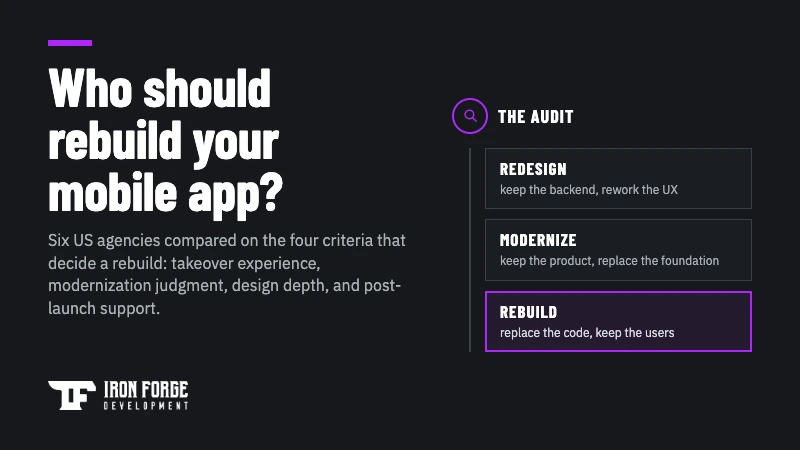
Six US mobile app agencies compared on takeover experience, modernization judgment, design depth, and post-launch support, plus what to ask before you hand over an existing app.

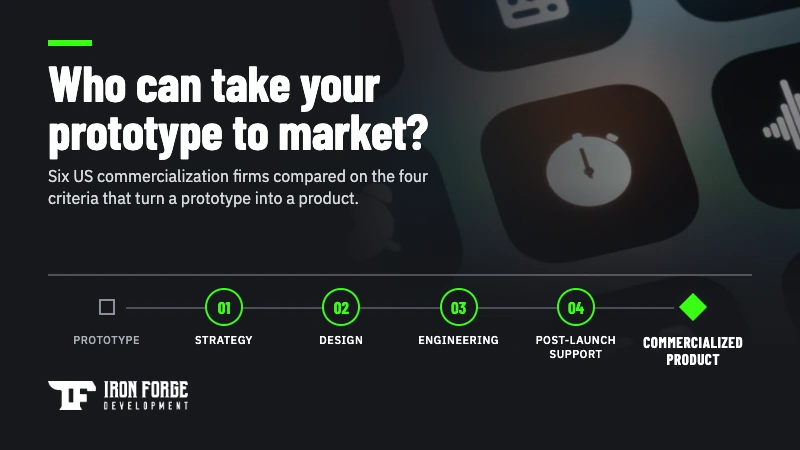
Six US software commercialization companies compared on strategy, design, engineering, and post-launch support, plus the five questions that sort any shortlist before you sign.

AI maturity is now a standard line on vendor scorecards. Here are the seven questions, the red flags, and the contract clauses that show whether a software partner actually knows how to use AI.


