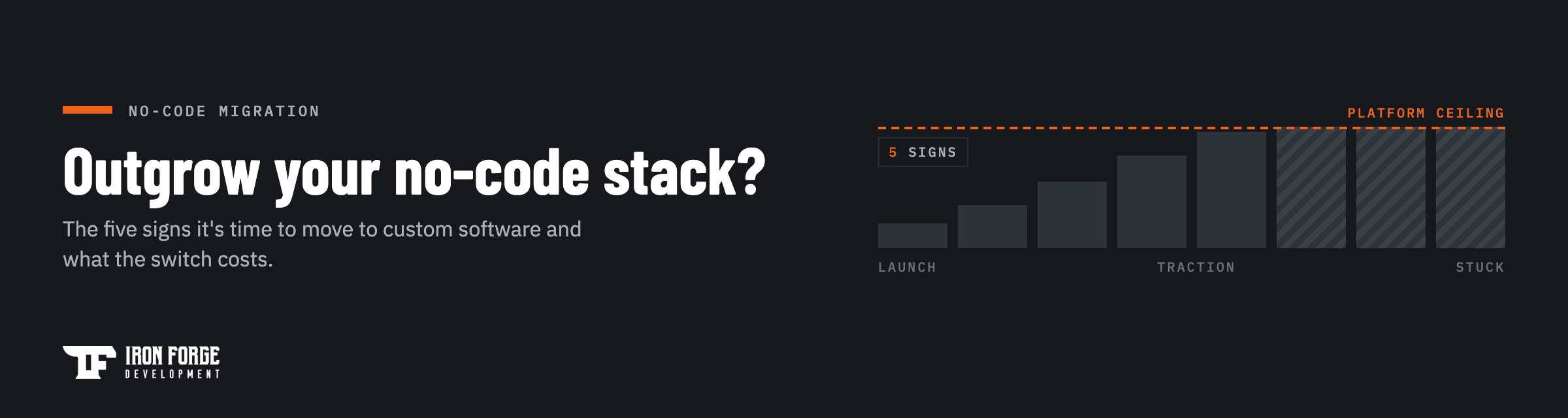
Switch when the platform starts costing more than it saves. In practice that means one of four signs: your platform bill is growing faster than your revenue, core features only work through workarounds, an integration you need doesn't exist, or a customer just sent a security questionnaire your platform can't answer. If none of those describe you yet, stay put. No-code is still the fastest way to prove an idea, and there's no prize for rebuilding early.
This guide covers both halves of that decision. First, what no-code tools like Bubble, Claude code, and Glide are genuinely good at, because the answer is "a lot." Then the five concrete signs you've hit the ceiling, what a migration to custom software actually involves, and what it costs.
What no-code tools are genuinely good at
No-code platforms exist because most software ideas die before anyone uses them. A founder who spends three weeks assembling a working product in Bubble or Claude code and gets forty strangers to sign up has done something more valuable than a founder who spends a year building the "right" version of a product nobody wanted. The platform earned its subscription fee the day it produced evidence.
They're also legitimately good for the long haul in specific lanes: simple marketing sites, internal dashboards, lightweight internal operations tools, and workflows that a spreadsheet almost handles. Plenty of businesses should never leave their no-code stack, and we tell founders that when it's true. We take on fewer projects so we can do each one well, and a rebuild nobody needs doesn't qualify.
A working no-code product is also the best requirements document you'll ever have. Real screens, real workflows, real user complaints. If you're still deciding what your first version should even include, start with our founder's guide to scoping an MVP before you commit to any tool.
The five signs you've hit the ceiling
The ceiling rarely announces itself. It shows up as a series of small compromises that each seemed reasonable at the time. Here's what to look for.
1. The bill is scaling faster than revenue
No-code pricing is usually metered: per seat, per workflow run, per database row, per thousand tasks. At validation volume that's pocket change. At real volume it behaves like a tax on your growth, and unlike engineering cost it never amortizes. You pay it again every month, forever, and the rate goes up as you succeed.
Run one number: project your platform bill at twice today's usage, including the overage tiers. If that number is uncomfortable, you're reading the right guide.
2. Core features live in workarounds
Every no-code app of real complexity accumulates duct tape. An eleven-step automation nobody dares touch. Three hidden fields that exist to trick a conditional into firing. A "temporary" Zapier chain that has quietly become the billing system. Each workaround was faster than the alternative when it was built. Together they make every new feature slower to add and every bug harder to find.
Count yours honestly. When the workarounds outnumber the features they support, the platform has stopped saving you time.
3. The integration you need doesn't exist
Native connectors cover the popular tools. Your customers don't all run on popular tools. The moment a deal depends on talking to an aging ERP, a state licensing database, a lab-results feed, or a partner's custom API, you're at the mercy of the platform's connector catalog. Custom software connects to anything with an interface, on your schedule instead of a vendor's roadmap.
4. A customer asked compliance questions you can't answer
Security questionnaires, SOC 2 expectations, HIPAA requirements, data-residency clauses. Bigger customers ask harder questions, and on shared no-code infrastructure many of the answers simply aren't yours to give. You often can't say precisely where data lives, can't produce the audit trail a reviewer wants, and can't change encryption or retention behavior the platform doesn't expose. Losing one enterprise deal over this usually costs more than the rebuild would have.
5. Performance has a hard ceiling
Searches that crawl once the database passes a few tens of thousands of records. Background jobs that time out. Pages that load in four seconds no matter what you do, because the bottleneck sits in infrastructure you don't control and can't profile. Optimization advice from the community forum only goes so far. When your best fix is "delete old data," the platform is making your product worse.
What switching actually looks like
Founders picture a terrifying big-bang rewrite. That's rarely the right move, and it's not how we run migrations.
- Keep what still serves you. If the marketing site lives happily on Webflow, leave it there. Migration applies to the product core, the part hitting the ceiling.
- Treat the existing app as the spec. Your no-code build already encodes your workflows, edge cases, and user feedback. That makes scoping faster and cheaper than greenfield work, because the guessing is already done.
- Plan the data move early. Export paths, field mapping, and which historical records actually matter. This is unglamorous and it's where sloppy migrations get hurt.
- Run in parallel, briefly. Real users move over in stages, and the old system stays alive until the new one has proven itself on live traffic.
- Cut over one workflow at a time when possible. Shipping the highest-pain workflow first gets you relief months before the full migration lands.
The result should be an unremarkable launch. Users notice the product got faster and stop noticing anything else.
What the switch costs
A focused first version of a custom product typically lands in the $25,000 to $75,000 range, with complex platforms going higher. Our custom software cost guide breaks down the full ranges and what drives them. Migrations often sit toward the friendlier end of a comparable greenfield build because the requirements are already proven; you're paying for engineering, and much less for discovery-by-trial-and-error.
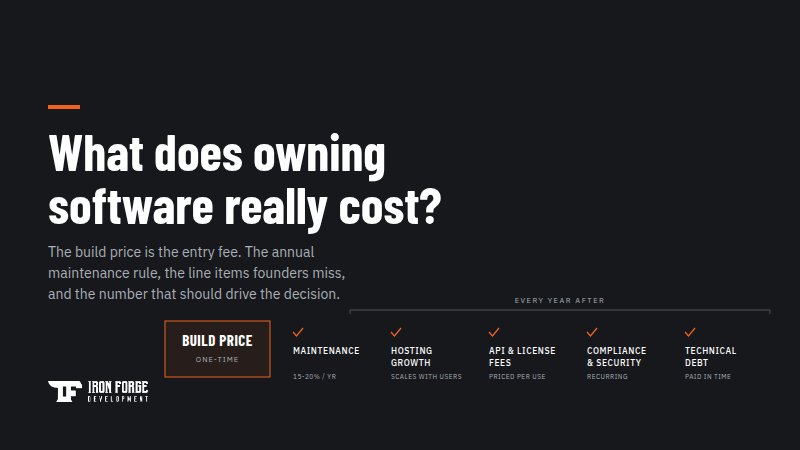
Budget honestly for life after launch too. A sensible rule of thumb is 15 to 20 percent of the build cost per year for maintenance. Weigh that against a platform bill that scales with usage forever, plus the compounding cost of the workarounds. For products with real traction, the crossover point arrives sooner than most founders expect.
One more difference worth pricing in: at the end of a custom build you own an asset. The code and IP sit in your name, not in a subscription you rent month to month.
The mistakes to avoid when you switch
Most failed migrations fail the same few ways, so it's worth naming them.
- Rebuilding and redesigning at the same time. The migration is the moment to change platforms, and a terrible moment to also rethink every screen. Ship parity first, then improve. Mixing the two doubles the scope and blurs the definition of done.
- Scoping the rebuild off the feature list instead of the usage data. Your no-code analytics know which features nobody touches. A migration is a rare, guilt-free chance to leave dead weight behind.
- Letting the old platform's shape dictate the new architecture. The workarounds existed because of the platform's limits. Port the workflow, never the workaround.
- Skipping the written scope. A migration priced off a conversation drifts exactly the way any unscoped build drifts. Get the scope, the price, and the cutover plan on paper before development starts.
How to make the call
Skip the philosophical debate and run a 30-minute exercise instead.
- List your product's core workflows on one page.
- Mark every workflow that depends on a workaround to function.
- Write down your projected platform bill at double today's usage.
- List any deal lost or stalled over an integration or compliance gap in the last six months.
Two or more of the five signs showing up in that exercise means it's time to scope a migration seriously. Zero or one means no-code is still doing its job, and the cheapest move is to revisit the exercise each quarter. If you're weighing the broader question of when custom beats buying tools at all, our short answer on custom versus off-the-shelf software covers it.
When you're ready to scope it, that's exactly what our Discovery package was built for. For a fixed price and two to three weeks, we review your existing build and hand you a requirements document, API recommendations, development considerations, fixed development cost, and a timeline. You leave knowing precisely what a migration costs before you commit a dollar to development, and the deliverables are yours to use with any team. Kickoff happens 7 to 10 business days after signing.
Think you've outgrown your no-code platform? A Discovery turns your existing app into a scoped migration plan with a fixed price attached. Or talk to us first and pressure-test the decision before spending anything.
Written by the Jeremy Millian COO at Iron Forge Development, a U.S.-based software commercialization firm that has helped launch 100+ products from idea to market.