Mobile
Development

Mobile App Development for Startups: iOS vs. Android, Native vs. Cross-Platform, and How to Choose a Partner

For most startups, the right mobile strategy is narrower than the options suggest: launch on one platform (usually the one your first paying users actually use), build it cross-platform unless you have a hard technical reason to go native, and pick a partner who owns the backend and the app store process, since both will outlast the launch. That's the short version. The rest of this guide explains each of those calls, what a startup mobile build costs, and the questions that separate a real mobile partner from a portfolio of screenshots.

Native, cross-platform, or a web app

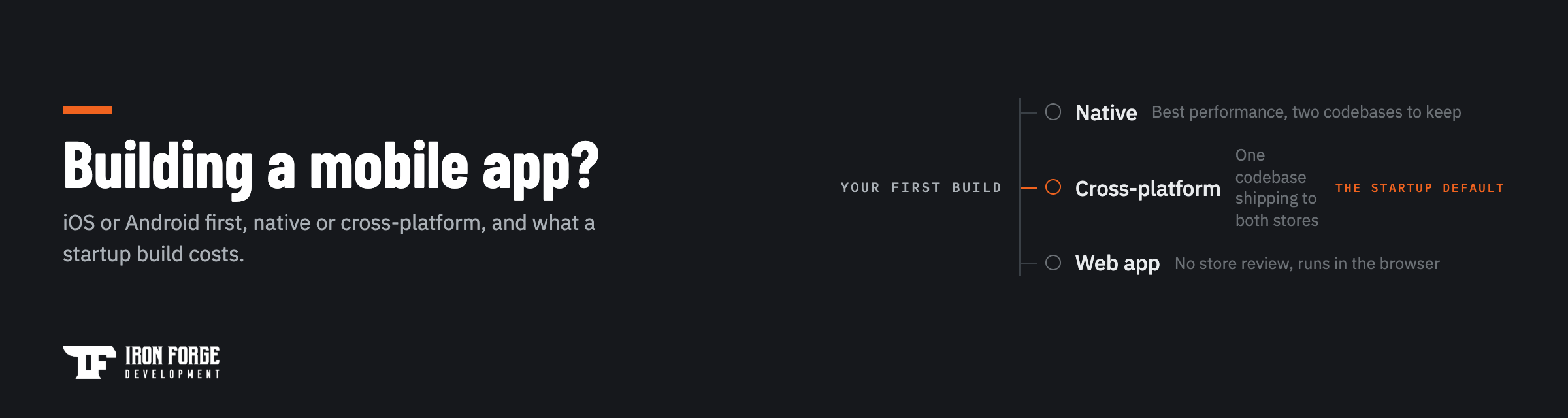
Three ways to put your product on a phone, each with a real tradeoff behind it.

Native apps are built separately for iOS (Swift) and Android (Kotlin). You get the best performance, the deepest access to device features, and the highest cost, because you're effectively building the product twice and maintaining two codebases forever.

Cross-platform apps use frameworks like Flutter or React Native to ship one codebase to both stores. For most startup products (forms, feeds, dashboards, payments, messaging) users can't tell the difference, and you build and maintain one thing. This is the default we recommend for a first mobile product, and the exceptions are specific: heavy real-time graphics, demanding hardware integrations, or platform features the frameworks don't reach cleanly.

Web apps skip the stores entirely and run in the browser. If your product doesn't need push notifications, offline use, or device hardware, a well-built responsive web app is cheaper, faster to iterate, and invisible to app store review. Plenty of "we need an app" projects are actually this. It's worth an honest conversation before anyone writes mobile code, and it's the kind of scoping call a Discovery settles with evidence instead of preference.

iOS first, Android first, or both at once

Launching on both platforms simultaneously doubles your testing surface, your review risk, and a good share of your budget before a single stranger has used the product. Unless your market forces it, sequence instead.

Pick the first platform by looking at your actual audience. iOS skews toward US consumer and B2B professional audiences and higher per-user spending. Android dominates global reach and many field-workforce and logistics use cases. Your own early adopters are the tiebreaker: if your waitlist is 80 percent iPhone, that argument is over. A cross-platform codebase keeps the second platform cheap to add once the first one proves the product, which is the quiet, practical argument for cross-platform even if you only ever ship one store on day one.

If you're still deciding what belongs in that first release at all, our founder's guide to scoping an MVP is the place to start. The scoping logic is the same on mobile, and the penalty for overbuilding is higher because every extra feature ships through app review twice.

Two other decisions ride along with the platform call. First, distribution: consumer products live or die by store search and ratings, while B2B products often ship through private distribution or direct installs, which changes how much store polish the first release needs. Second, analytics: decide before launch which two or three behaviors define success, and instrument them from day one. The platform you launch second should be a data-driven decision, and that only works if the first launch produces data worth reading.

What a startup mobile build costs

A focused, MVP-scale product typically runs $25k to $75k, and mobile sits inside that same range. Our custom software cost guide breaks down the full ranges and the drivers. On mobile, the drivers that move the number most are:

  • Platform count. One cross-platform codebase sits at the friendly end. Two native codebases can approach twice the build and twice the ongoing maintenance.
  • The backend. The app on the phone is the visible half. Accounts, data, notifications, and payments live on a server someone has to design, build, and run. Quotes that skip the backend aren't quotes, they're teasers.
  • Device and OS spread. Supporting older Android devices or unusual hardware widens the testing matrix, and testing is real work.
  • After launch. Plan on the standard 15 to 20 percent of build cost per year for maintenance. Mobile adds a twist: OS updates land every fall on Apple's schedule and all year on Android's, whether or not it's convenient for you.

The honest way to get from ranges to a number is a scoped review. Our Discovery is a fixed price, runs 2 to 3 weeks, and ends with a requirements document, API recommendations, development considerations, and line-item pricing with timelines, deliverables you can take to any team.

How to choose a mobile app development company

The general rules for vetting any dev shop apply here, and our guide to choosing a software development partner covers them. Mobile adds five checks of its own.

  • Apps in the stores you can download today. A portfolio full of screenshots proves someone designed apps. Store links prove someone shipped and maintained them. Ask for both stores, then check the version history and the last update date while you're there.
  • A real answer on native versus cross-platform. A partner who always answers "native" is selling hours. One who always answers "whatever's cheapest" is selling against the next partner's quote. The right answer starts with questions about your product.
  • Backend ownership. Ask who designs and runs the server side, because "we integrate with your API" means someone else still has to build one.
  • App store scar tissue. Review rejections happen to everyone. Ask how they handle a rejection the week of launch, and listen for a process instead of a shrug.
  • A maintenance answer with numbers in it. OS updates, dependency patches, and store policy changes arrive on someone else's schedule. A partner without a maintenance plan is planning to hand you a slowly expiring product.

One structural point worth asking about: whether strategy, design, and engineering sit on one team. Handoffs between a design agency and a separate dev shop are where mobile products lose months.

The mistakes that sink first mobile builds

We see the same handful of mistakes in rescue conversations, so it's cheaper to name them here than to fix them later.

  • Building both platforms before launching either. Two app stores, two review processes, two testing matrices, zero users. Sequence the platforms and let the first one pay for the second.
  • Treating app review as a formality. Apple and Google both reject apps for reasons that surprise first-time founders: missing privacy disclosures, login requirements without a demo account, payment flows that route around the store's rules. Build review requirements into the plan instead of discovering them the week of launch.
  • Forgetting the phone is the front half. Accounts, sync, notifications, and payments all live server-side. Teams that scope only the visible app end up shocked by the backend line, or worse, hire a partner who quietly leaves it out of the quote.
  • Chasing device parity too early. Supporting every Android device back to 2018 widens the test matrix enormously for users you may not have. Start with the devices your actual audience carries and expand when the data says to.
  • Skipping the update budget. A mobile app that isn't maintained doesn't stand still, it decays. OS releases, framework updates, and store policy changes each arrive on their own schedule, and the 15 to 20 percent annual maintenance rule exists because of exactly this.

Every one of these is a scoping decision, which is why they belong on paper before development starts, priced and sequenced, rather than discovered mid-build.

How we run mobile builds

We've delivered 100+ products since 2017 across web and mobile, and mobile projects follow the same commercialization path as everything else we build: scope on paper first, price it line by line, then build against that scope with one in-house team covering strategy, design, and engineering. You own the code, the repositories, and both store accounts from day one. Kickoff lands 7 to 10 business days after signing, and the first deliverable is the Discovery document set, so the decision to proceed to development is made with real numbers in hand.

Weighing iOS, Android, or both for your first build? A fixed price Discovery settles the platform question with evidence and ends in line-item pricing you can take anywhere. Book a Discovery or get in touch and tell us what you're building.

Written by the team at Iron Forge Development, a U.S.-based software commercialization firm that has helped launch 100+ products from idea to market.
FAQs

How much does it cost to build a mobile app for a startup?
A focused, MVP-scale mobile product typically runs $25k to $75k, the same territory as custom software of similar scope, with the platform count and the backend driving where you land in the range. One cross-platform codebase sits at the friendlier end; two native codebases can approach twice the build. Get the real number before committing: a $1,199 Discovery scopes your specific product and returns line-item pricing you can take to any team, which beats budgeting off a blog post's ranges.
Should I launch on iOS or Android first?
Launch on the platform your first paying users actually carry, and let the second platform wait until the first proves the product. iOS tends to fit US consumer and B2B professional audiences; Android wins on global reach and many field-workforce use cases; your own waitlist or early-adopter data is the tiebreaker. Building cross-platform keeps the second store cheap to add later, so sequencing costs you little. Be wary of anyone who insists on launching both at once without a market reason, since that doubles testing and review risk before you have a single user.
Do I need a mobile app or is a web app enough?
If your product doesn't need push notifications, offline use, or device hardware like the camera or GPS, a responsive web app is usually enough, and it's cheaper, faster to iterate, and free of app store review. Plenty of projects that arrive as "we need an app" ship better as web apps. The honest test is listing the phone-specific capabilities your product genuinely uses; if the list is empty, start on the web. A good partner will walk through that list with you before quoting mobile work, not after.
What should a startup look for in a mobile app development company?
Beyond the usual agency checks, ask for apps you can download from both stores today, a reasoned answer on native versus cross-platform for your product specifically, clarity on who builds and runs the backend, a process for handling app review rejections, and a maintenance plan with numbers in it. Mobile products decay without updates because OS releases and store policies change on someone else's schedule. A partner who can't describe life after launch is quoting half the product.
Do you build native or cross-platform mobile apps?
We build both, and we recommend the right approach for your product rather than defaulting to one. The choice depends on performance needs, budget, and how device-specific the experience must be.
Do you build for both iOS and Android?
Yes — we develop for both platforms, and we frequently pair a mobile app with a companion web app and shared backend for a consistent cross-platform experience.
Can you help get my app into the App Store and Google Play?
Yes — we handle the build, submission, and launch process, and we've taken client apps into the top 100 of the Apple App Store. We plan for store requirements and review guidelines before submission to avoid rejections.
Do you build the backend and infrastructure too?
Yes — a mobile app is rarely just the app. We build the APIs, databases, and cloud infrastructure behind it so the whole product is cohesive and scalable.
What about updates and maintenance after launch?
Mobile apps need ongoing care as operating systems, devices, and app store requirements change. Our membership plans cover that ‚ including app store management, resubmissions and approvals, monitoring, QA, and new features ‚ so your app stays compatible, available, and improving without you managing it all.
Do you handle app store submissions and approvals on an ongoing basis?
Yes‚ app store management is a core part of our membership plans, including submissions, updates, and navigating the Apple and Google review and approval process. It's one of the most tedious parts of running a mobile app, and we take it off your plate so releases don't stall.

Recommended read

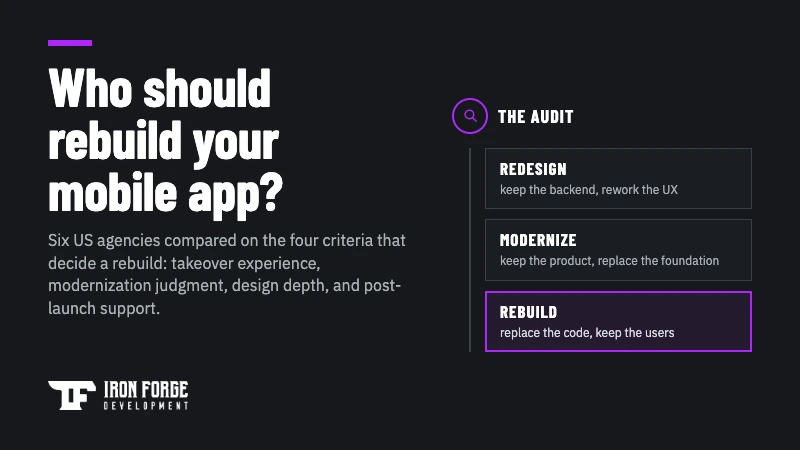
Thumbnail reading 'Building a mobile app?' with a decision-fork diagram of Native, Cross-platform, and Web app options

Mobile App Development for Startups: iOS vs. Android, Native vs. Cross-Platform, and How to Choose a Partner

iOS or Android first, native or cross-platform, and what a startup mobile build costs. A founder's guide to sequencing your first app and choosing a mobile development partner who owns the backend and the app store process.

Mobile
Development
Thumbnail reading 'Does your software need a rescue?' with six circled warning-sign markers on charcoal

Signs Your Software Needs a Rescue (and What Modernization Actually Costs)

Small changes take weeks, the original developer has gone quiet, and the stack is past its support window. Here are the six warning signs your software needs a rescue, how to decide between patching, modernizing, and rebuilding, and what each path actually costs.

Development
Web
Workshops
Building healthtech? Start with HIPAA. Thumbnail for Iron Forge's founder guide to HIPAA-compliant software.

HIPAA-Compliant Software: What Healthtech Founders Need to Know Before They Build

A founder's primer on HIPAA-compliant software: who the law covers, the technical safeguards that shape architecture, the BAA chain, where AI features create risk, and why compliance belongs in discovery rather than a post-launch retrofit.

Development